Samsung Wallet is the app; Samsung Pay enables payments
Samsung Wallet combines payment cards with other digital items and services. Samsung Pay is the payment capability used to make purchases with eligible cards held in that app. For a merchant, this is an important distinction: adding a loyalty pass to Samsung Wallet is a different project from accepting a Samsung Pay transaction. The payment journey still needs the appropriate merchant acceptance and processing arrangements.
Samsung’s merchant documentation describes integrations for websites and mobile applications. In a physical shop, the relevant experience is typically contactless card acceptance at the payment terminal. Merchants should identify which journey they intend to offer before requesting an integration. A statement that a business accepts Samsung Wallet should not imply that its physical terminals, Android application and desktop checkout all support the same experience.
In-store contactless payments
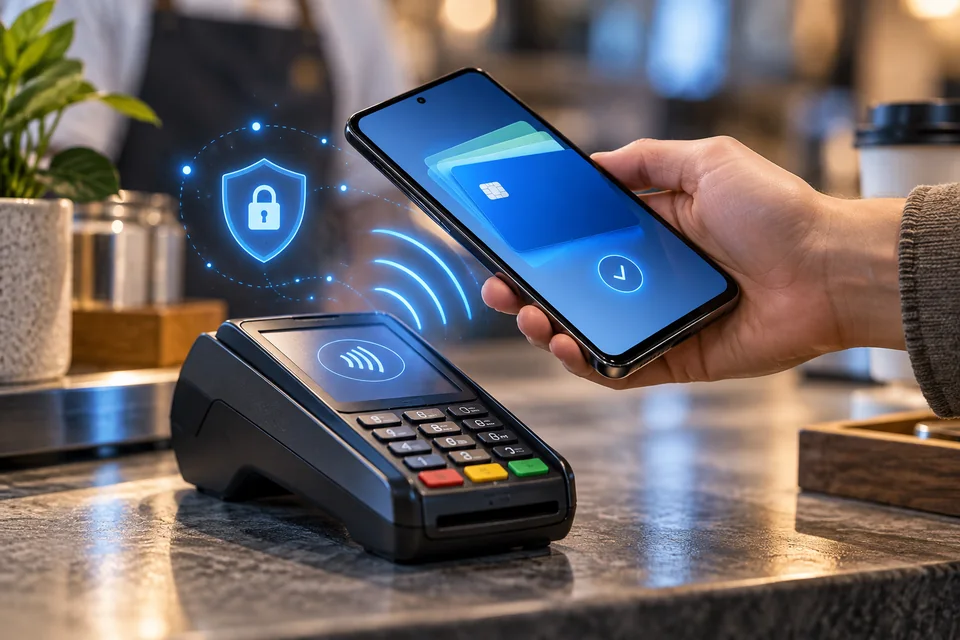
Samsung’s consumer guidance describes selecting a payment card, authenticating and holding the device near a contactless reader. A terminal may still request the card PIN. The customer’s successful device authentication and the terminal’s final transaction result are separate events; staff should follow the terminal’s confirmed approval rather than treating an unlocked wallet screen as proof of payment.
As a practical operating measure, train cashiers to recognise a pending attempt, a decline and a completed sale. Preserve the terminal transaction reference and receipt. If the terminal times out, check its transaction history before asking for another payment. Merchants should confirm with their terminal provider that the relevant contactless card schemes and transaction types are enabled, and provide an alternative payment option for customers whose device or card cannot be used.
Web checkout and native app integration
Samsung Pay Web Checkout supports browser purchases using cards in the customer’s Samsung Wallet. Samsung documents account-email and QR-based ways to connect the customer’s device to a checkout. The customer authorises in the wallet, and the website receives a payment credential to send to its processor. This is not a direct transfer from Samsung to the merchant’s bank account.
The Web Checkout documentation requires merchant onboarding and support for tokenised transactions in the acquiring and issuing chain. Samsung also provides SDK paths for Android and Flutter applications. Select the route with the payment gateway before development, including who handles credentials, certificates and production registration. The Code Lab uses a test environment; passing its demonstration does not independently establish commercial approval or production readiness for the merchant.
Countries, devices and supported cards
Samsung publishes a country-and-device availability list, with markets including India, the United Kingdom, the United States, Singapore and several European countries. It also warns that supported models vary by market. Availability must therefore be checked for the exact customer location, device and payment product. A Samsung handset, a globally recognised card brand or a country on the list is not sufficient evidence that an individual customer’s card can be provisioned.
Samsung’s US card guidance refers to participating banks and card companies; it should not be read as a global issuer directory. Confirm eligible issuers and card products in each target market using local Samsung and issuer information. For a cross-border business, also check the merchant entity’s eligibility with the gateway. Customer wallet availability and the ability of a processor to onboard a merchant in another country are different questions.
Fees, settlement and the acquiring relationship
The reviewed Samsung integration pages do not provide a universal merchant price or settlement timetable. Obtain these from the gateway or acquirer handling the transaction. Ask whether the quote includes any wallet-related gateway charge, card processing, cross-border assessments, currency conversion, refunds and dispute administration. Compare the final cost against the actual card and customer mix rather than assuming a wallet button makes acceptance free.
For finance teams, agree how wallet-originated sales appear in settlement files and which reference links a website order to authorization, capture and payout. Establish whether funds settle in the requested currency and how reserves or deductions are shown. These are merchant-contract questions. A faster customer checkout does not itself establish faster settlement, fewer holds or approval for a restricted business category.
Refunds and digital card numbers
Samsung’s in-store return guidance explains that the wallet’s digital card number differs from the physical card number. A retailer may request the receipt, digital number or a device tap to complete a return. Changing devices or removing and adding a card can change that digital number. Samsung advises handling such situations like a replaced physical card, with issuer assistance where needed.
Merchant support should therefore search by the original transaction reference as well as receipt details, rather than rejecting a refund solely because the visible card digits differ. For online sales, use the processor’s documented refund flow and test both full and partial returns. Tell customers when a refund has been submitted and distinguish that status from the issuer posting funds. Do not invent a universal refund completion time.
Recurring payments, disputes and launch checks
Do not infer unattended recurring billing from the ability to make a one-time Samsung Pay purchase. Samsung’s Galaxy Store In-App Purchase subscription documentation concerns a separate managed billing product; its subscription features are not evidence that an ordinary merchant Web Checkout integration supports renewals. Ask the gateway for explicit recurring support, token lifecycle behaviour and customer-consent requirements before offering a subscription through the proposed route.
Tokenisation and customer authentication do not justify promising that every dispute is prevented or that liability always shifts. Obtain the processor’s applicable rules and retain order and delivery evidence. Before launch, test unsupported devices, an ineligible card, customer cancellation, a timeout after authorization, duplicate submission and refunds. Measure completion among eligible users and review support demand. Keep another supported method available when the wallet journey cannot proceed.
What it means to Merchants
Samsung Wallet can provide a familiar card-payment experience for eligible customers, while Samsung Pay supplies the relevant payment integrations. Merchants should verify device, market and issuer coverage, then confirm their own gateway and acquiring support for each channel. Treat settlement, refunds, subscriptions and disputes as explicit operating requirements, not assumed wallet benefits. FixPays support must be confirmed for the specific merchant and integration before the method is advertised at checkout.